
How to change your password
To change your password, you can click on your profile on the Top bar and click on Profile settings.
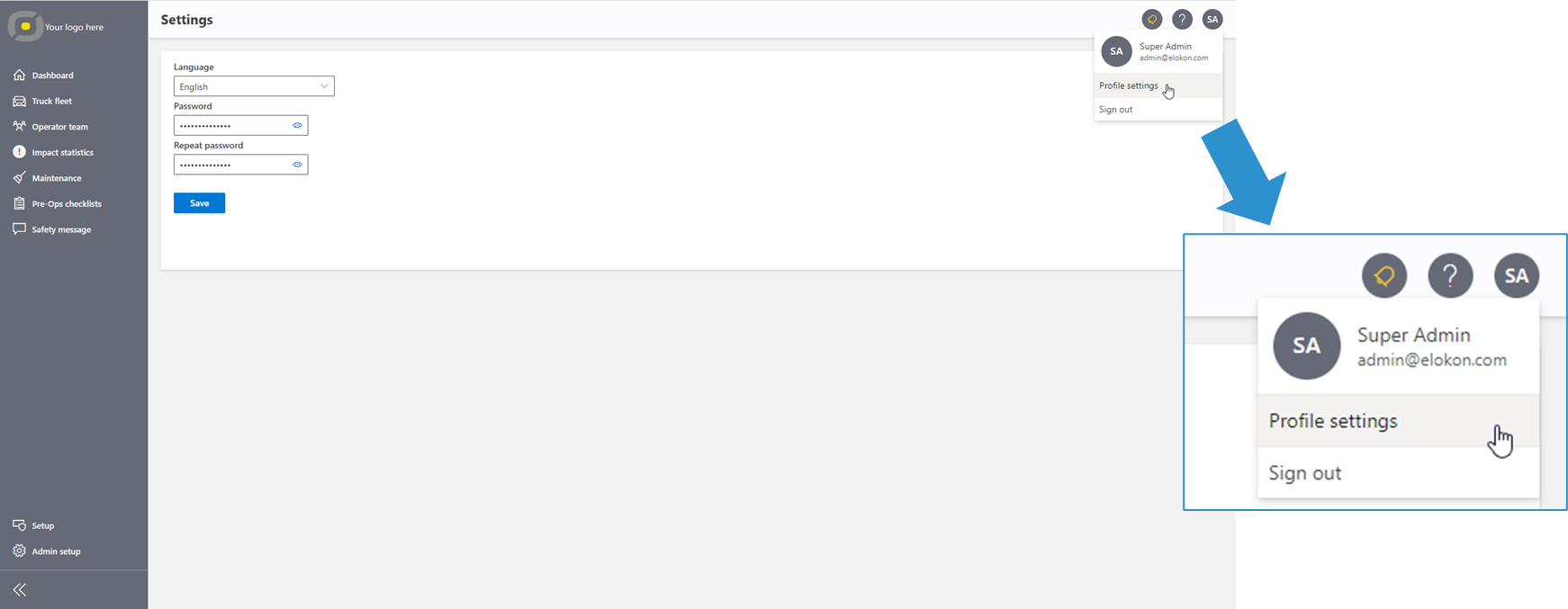
Profile Settings Menu
There you can type a new password, following the Password rules and saving it by clicking on the Save Button.
You can enable the view of the password by clicking on the “eye” in the password field.
The Password needs to be repeated to avoid typos.
As a Standard-User, you can also ask the fleet management admin to get a new password.